How it works
How the conversion works
Pitches
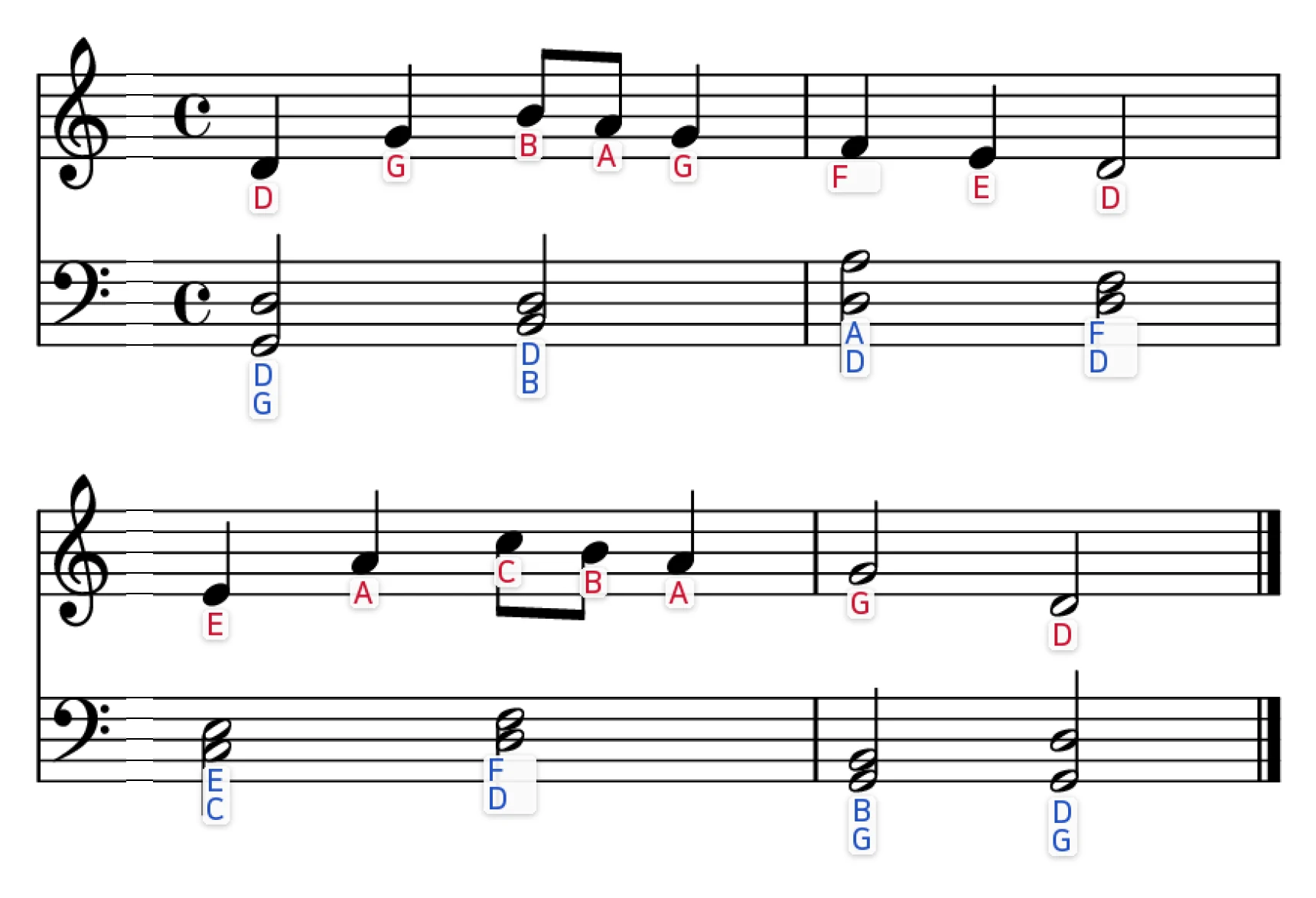
Each notehead is placed on its staff; the clef, key signature and accidentals in the bar decide the pitch. Right hand and left hand go to separate MIDI tracks.
Note lengths
Whole, half, quarter, eighth and sixteenth notes are told apart by notehead type, flags and beams; dots make a note half again as long.
Tempo
Pick any BPM from 40 to 240 on the result page; the file is regenerated at that speed.
What the MIDI is good for — and its limits
Use it to hear a piece before you can play it, to practice along at a slow tempo, or to import into notation software or a DAW as a starting point. Rests, ties and tuplets are not detected yet, so the timing can drift in busy passages — check the pitches and the feel, don't treat it as a finished arrangement. Clean printed scores convert best; handwritten or blurry pages miss notes.
See it in action
No upload needed yet — change the options below and watch the sample update.
Features
Letters under every note
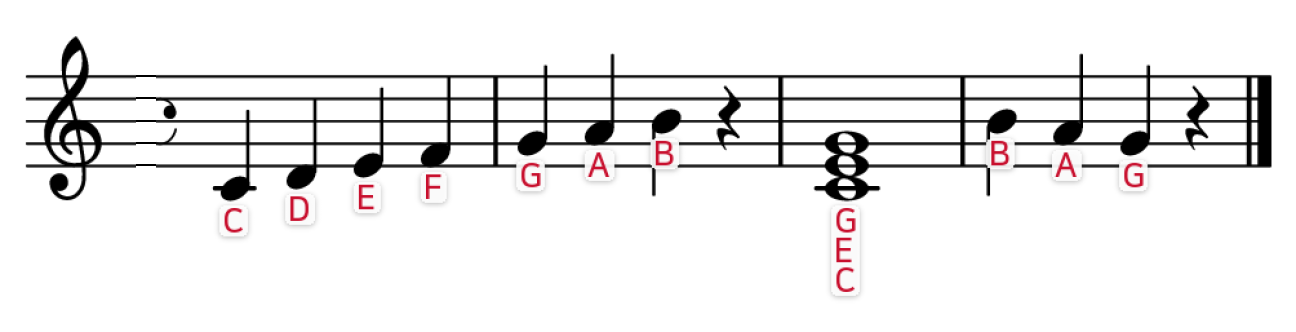
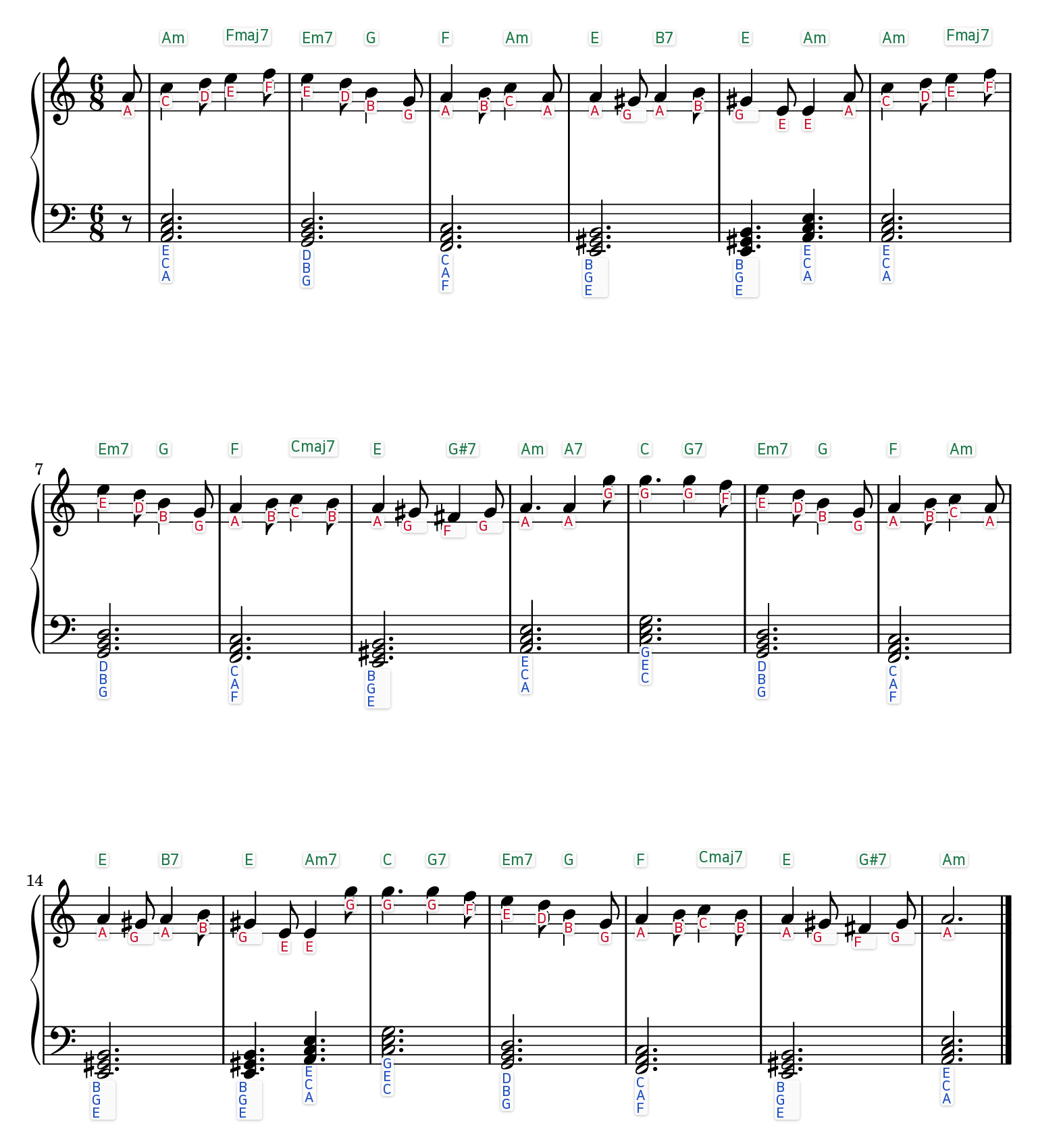
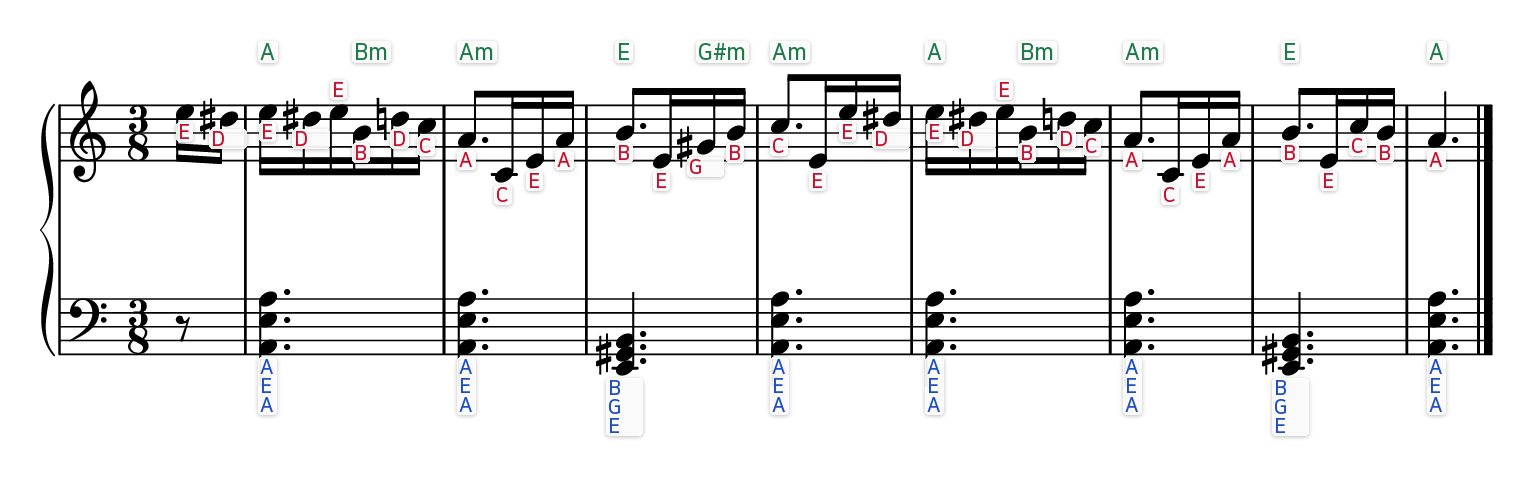
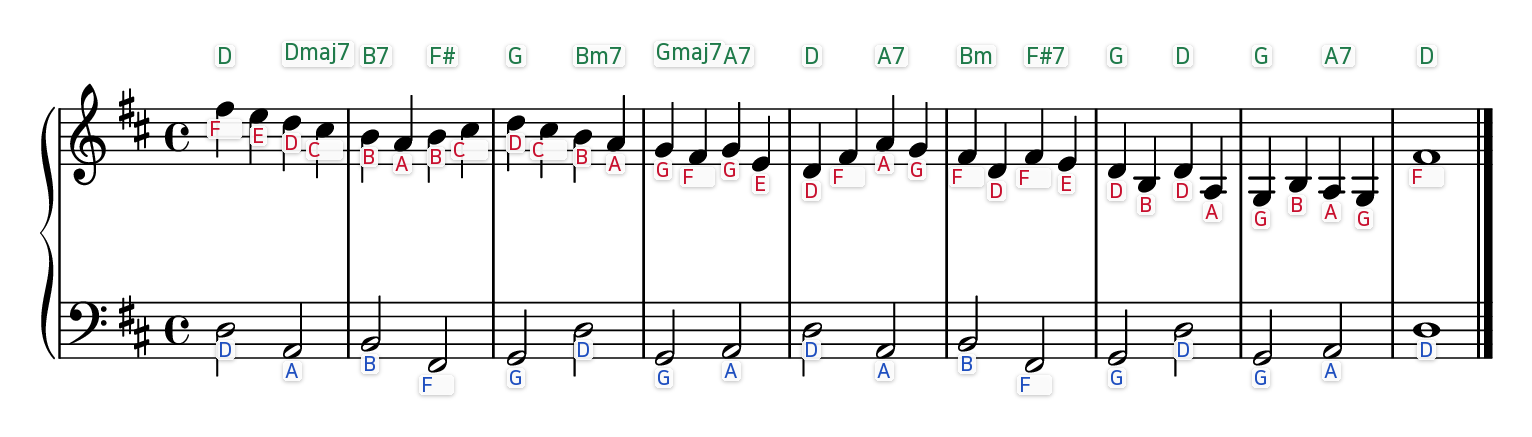
Each note gets its letter — C D E, Do Re Mi, ドレミ, German letters or numbers — placed so labels don't overlap.
Chord symbols
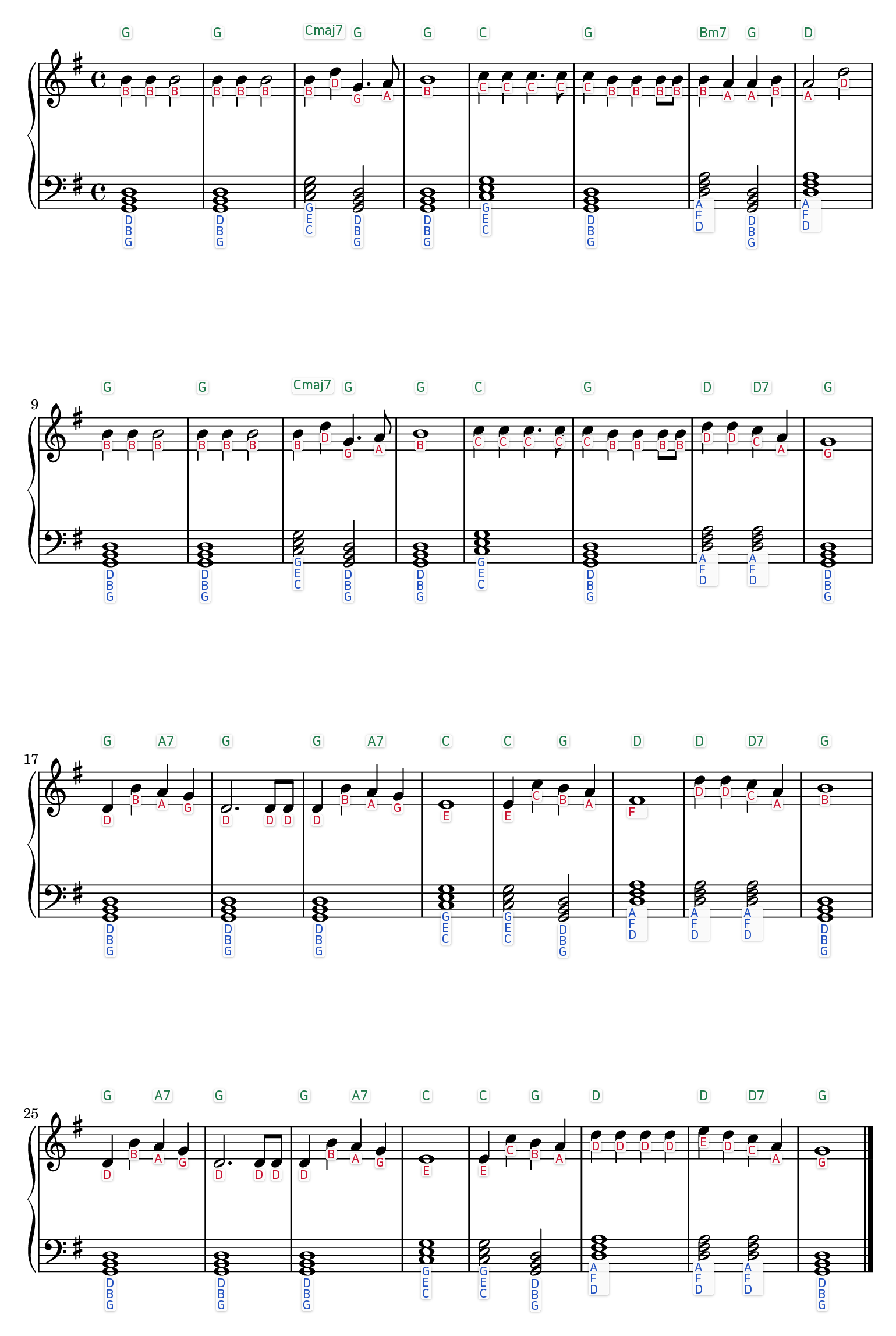
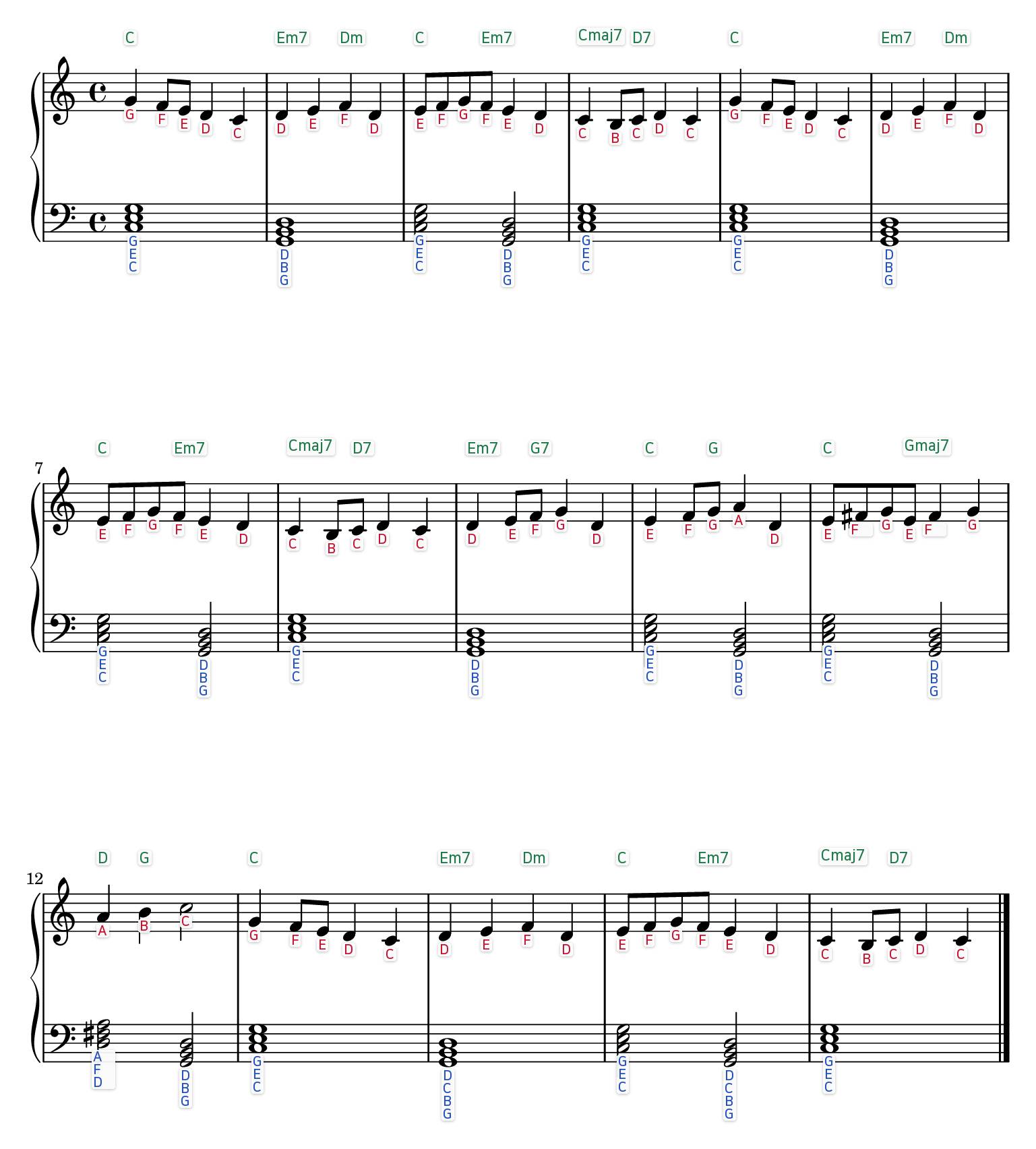
Notalo reads the notes in each bar and prints the chord (C, Am, G7…) in green above the staff.
Sheet music to MIDI
A practice MIDI of the detected notes with their lengths, at any tempo from 40 to 240 BPM.
Photo or PDF
Phone photos, scans and multi-page PDFs up to 20MB. No MusicXML, no notation software.
Free, files deleted
No sign-up, no credits. Uploads and results are deleted right after processing.
Songs
Notalo vs. MusicXML-Based Tools — Two Ways to Get Sheet Music with Letters
Most letter-notes tools require a MusicXML file to start. Notalo works directly from a photo or PDF. Here's how the two approaches compare.
| Notalo | MusicXML-based tools | |
|---|---|---|
| Input format | PDF, JPG, PNG | MusicXML |
| Prep needed | None — upload the file as-is | Export to MusicXML first (e.g. via MuseScore) |
| Labeling | Solfège + letter names, 4 languages | Varies by tool (usually letter names) |
| Free usage | Unlimited — completely free, supported by ads | Varies (often limited by saved-score count) |
| Save/share | Not applicable — files deleted after processing | Some tools offer score libraries and sharing |
| Best for | Sheet music you only have as a photo, scan, or print | Musicians already working in MusicXML |
If your sheet music exists only as a photo, a PDF, or a printed page, Notalo skips the file-conversion step entirely. If you already work in MusicXML and want a score library with sharing, a MusicXML-based tool may fit better.
FAQ
What file formats are supported?
PDF, JPG, and PNG — sheet music files up to 20MB.
Do I need MusicXML or notation software?
No. Just upload a photo or PDF of your sheet music as-is — Notalo detects noteheads directly from the image.
Is it free?
Yes — completely free, with no sign-up, credits, or payment required. The site is supported by ads.
Which letter and solfège systems are supported?
Letters (C D E), German letters (C D E H), Italian solfège (Do Re Mi), Japanese solfège (ドレミ), and numbers (1 2 3, C=1).
Which scores work best?
Clean, printed sheet music: a PDF exported from notation software or a sharp, straight scan. The model was trained on printed notation, so smudged copies, faded prints, hand-drawn scans and photos taken at an angle can miss or mislabel notes. If you have the original PDF, upload that.
Can I make easy piano sheet music for a beginner?
Yes. Upload the piece you already have — a photo, scan or PDF — and Notalo writes the letter (or solfège) under every note, so a beginner can play it without reading the staff first. Right hand and left hand are colored differently.
Can I convert sheet music to MIDI?
Yes. After conversion, download a practice MIDI of the detected notes with their lengths (whole to sixteenth, dotted) at any tempo. Rests and ties aren't detected, so use it to check pitches and sing along rather than as a finished arrangement.
Does it add chord symbols?
Yes. Notalo reads the notes in each measure, works out the chord (C, Am, G7…) and prints it in green above the staff — handy for accompaniment. It's a best guess from the written notes; turn it off with the checkbox if you don't need it.
Is Notalo a sheet music scanner?
Yes. It scans a photo, scan or PDF of sheet music, reads the notes, and gives you back the same sheet music with letters — plus chord symbols and a MIDI file of what it read. No app to install, free.
Are my files stored?
No. Uploaded files and results are deleted immediately after processing.